-

Get more orders
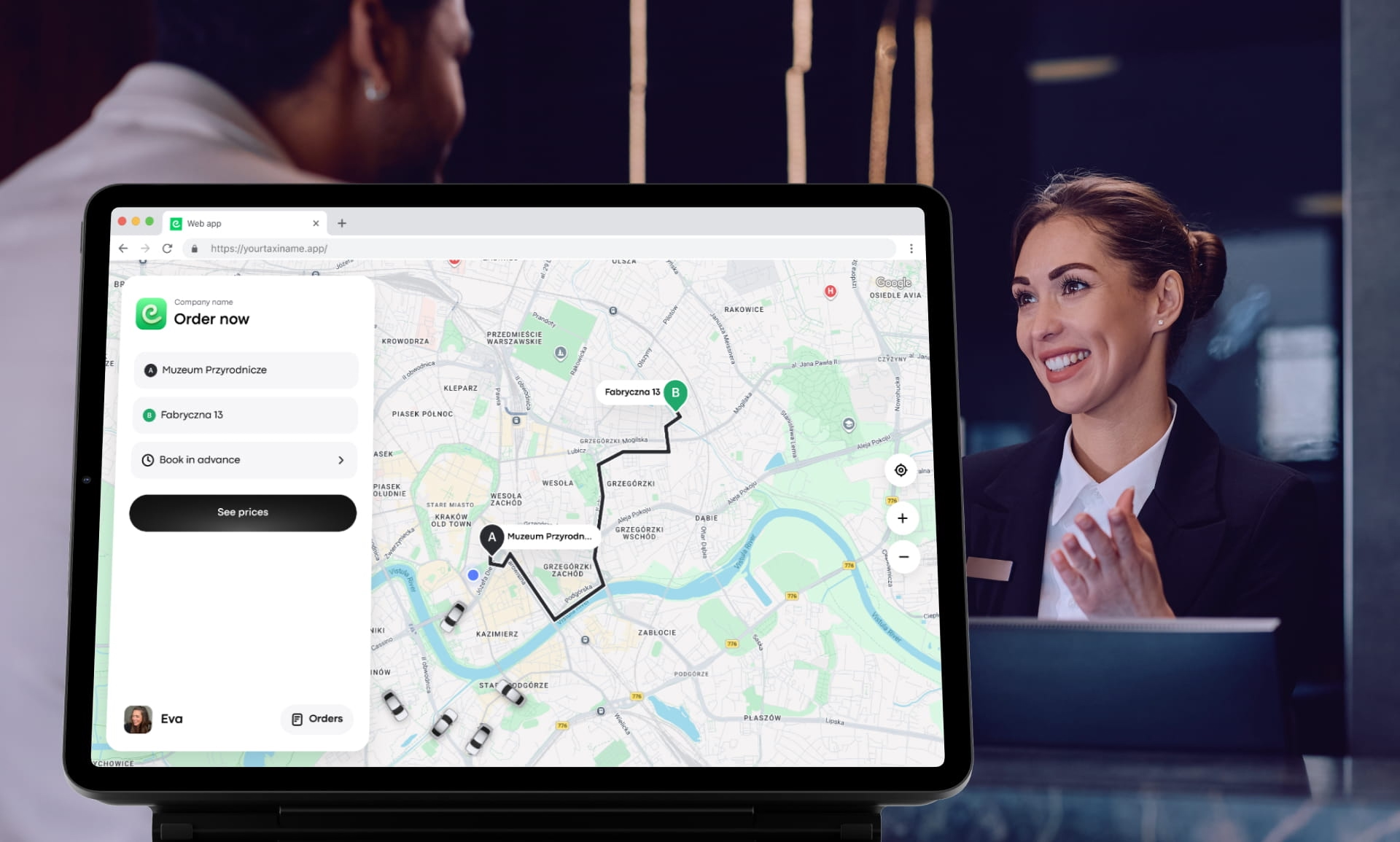
Use Web app to get more orders from locals, tourists, and corporations
-

No installs required
Let your customers book taxis directly from their browsers
-

Partner with businesses
Partner with restaurants, bars, hotels, agencies, etc., and offer rides to their clients
-

Accessible for everyone
Make your services available to Huawei, Windows Phone, and laptop users
-
Promote outside of app stores
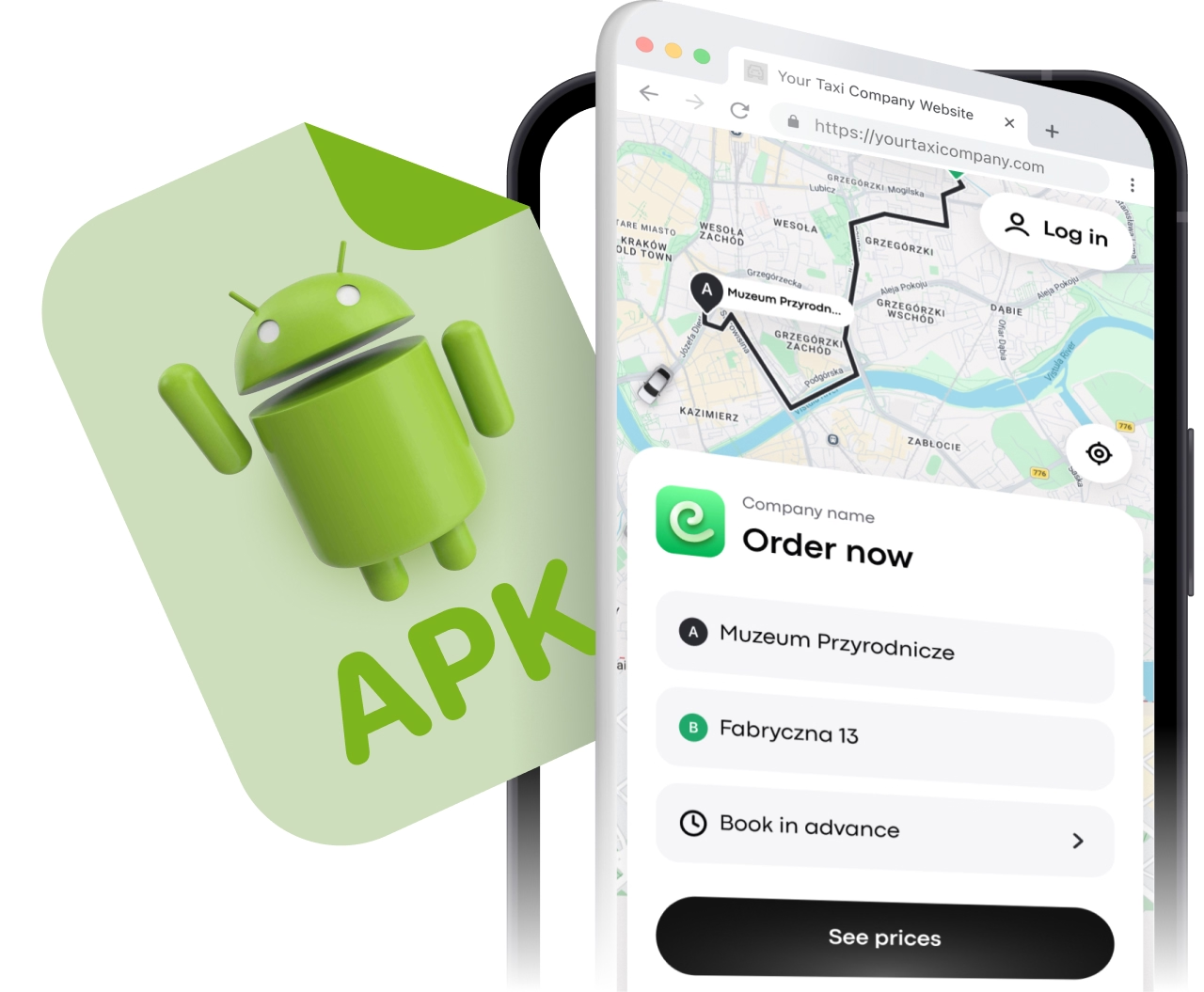
Wrap your Web app in an APK mobile application shell to promote it outside app stores and allow direct download with QR codes and links. Avoid App Store blocks and lengthy checks!
-
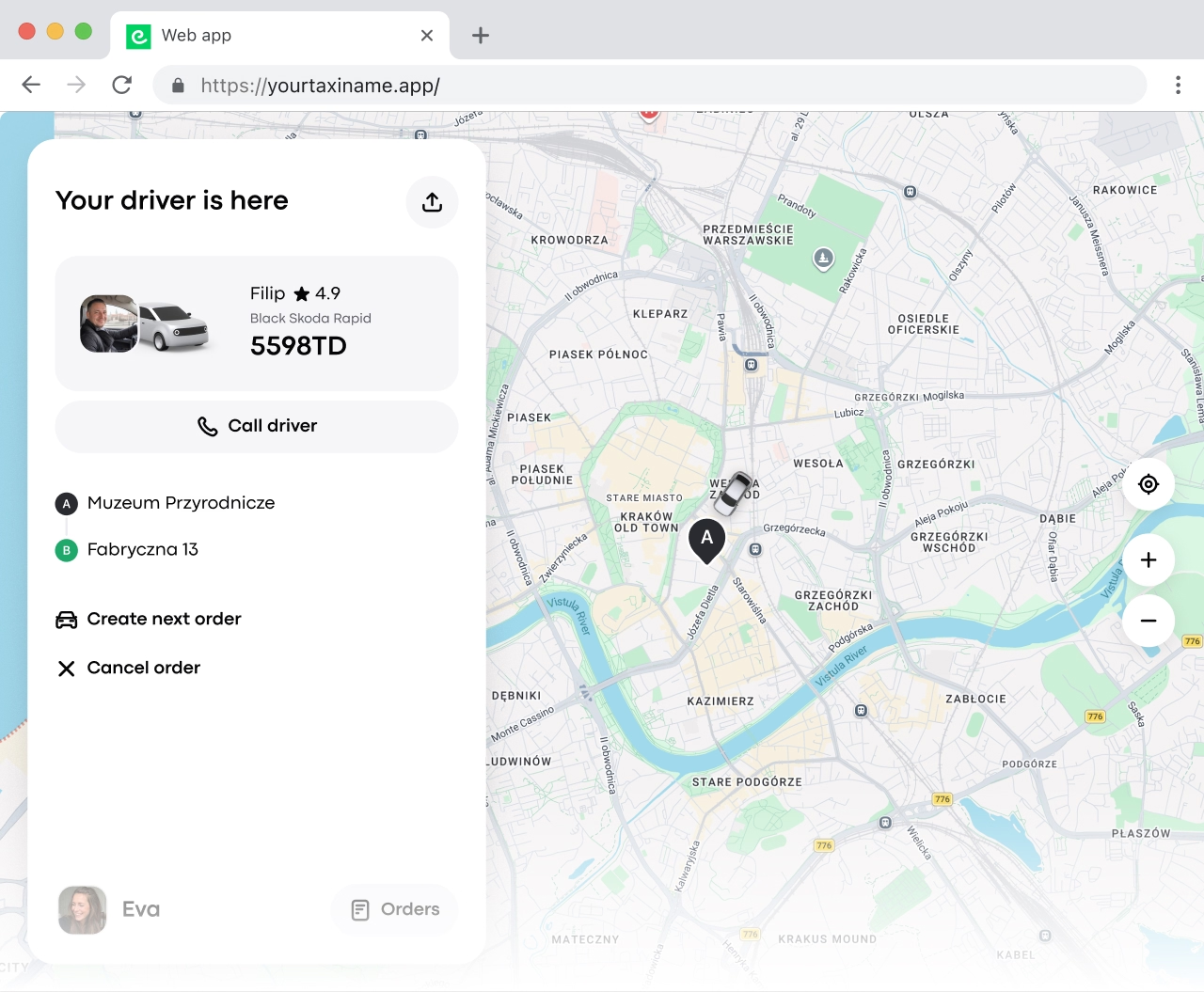
All trip information on display
Customers can see information about the driver and the vehicle, as well as the status of the order, on the screen. They can also leave comments.
-
Use Onde Web app as your mobile app
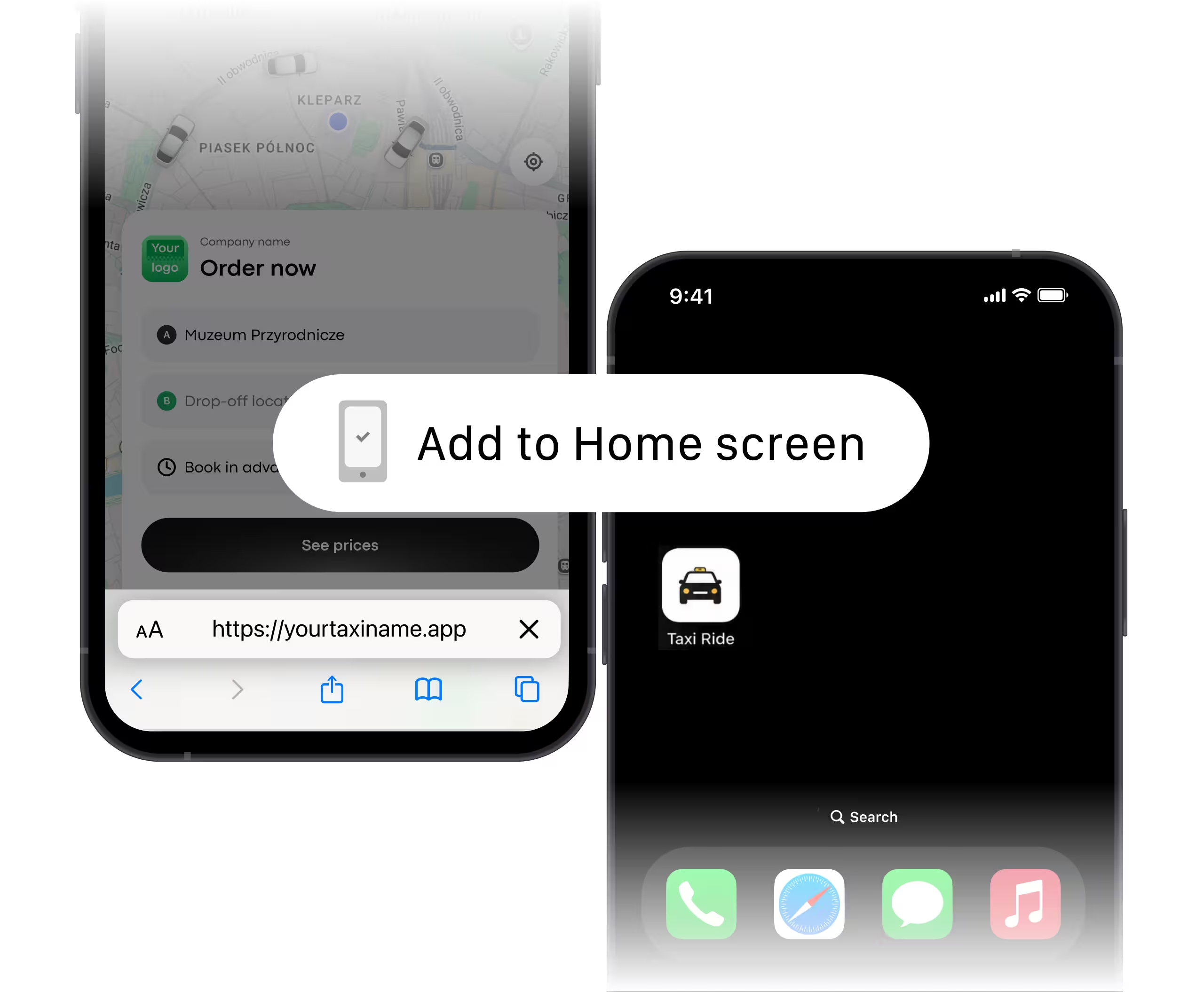
Don’t have a taxi mobile app yet? You can still give passengers a convenient way to book rides from their phones.
With Onde Web app, your customers can open your branded booking page in their mobile browser, enter their pickup and destination, choose a service, and book a ride. Customers can also save your Web app to their phone’s home screen and access it like an app whenever they need a ride.
-
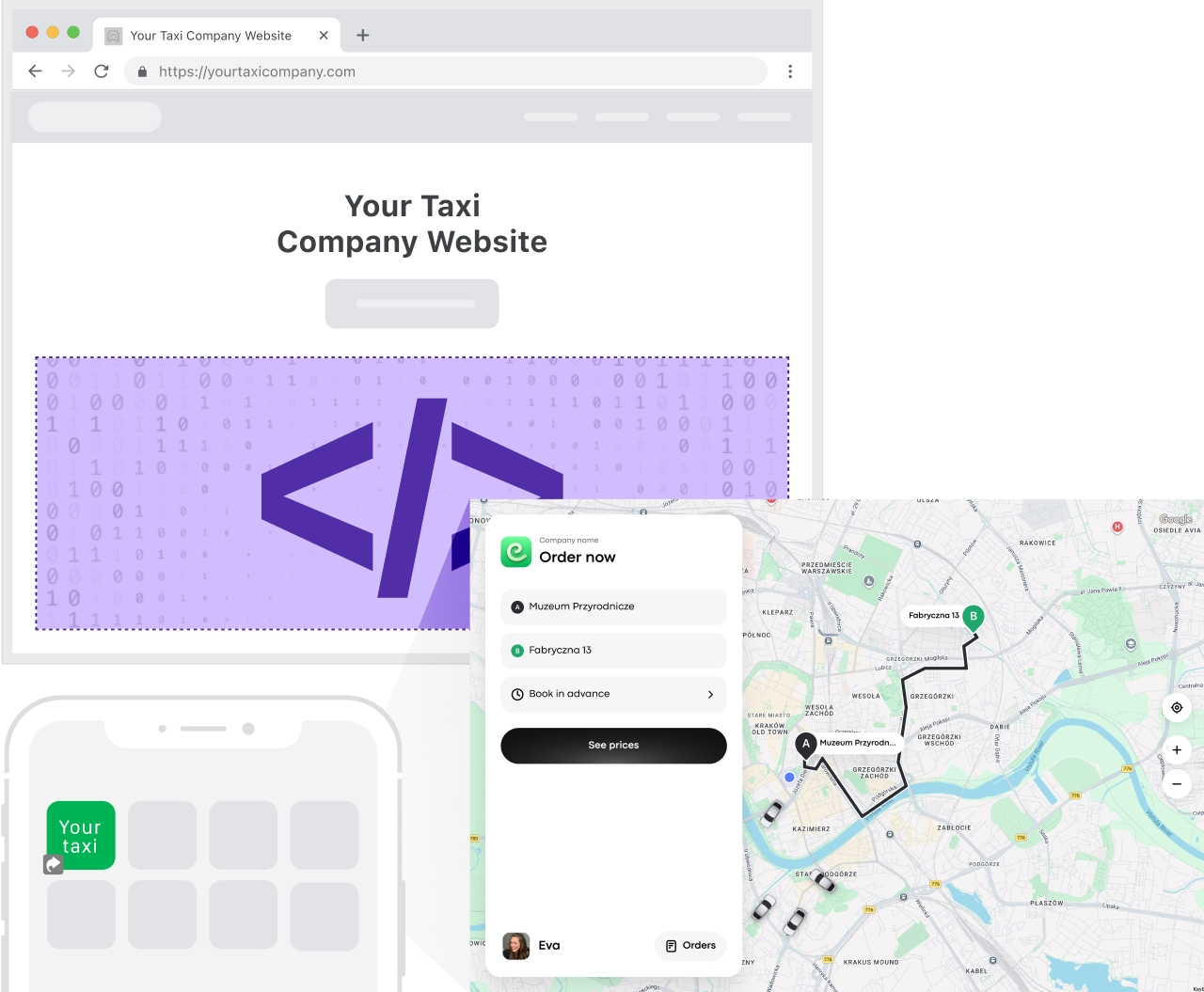
Let customers order from your website
Join the waitlistYou can embed the Web app on your website to turn it into an effective booking channel. The Onde Web app widget allows your customers to book rides and orders by simply entering their pickup and destination on your website. Coming soon!
Join the waitlist for Web app widget
-
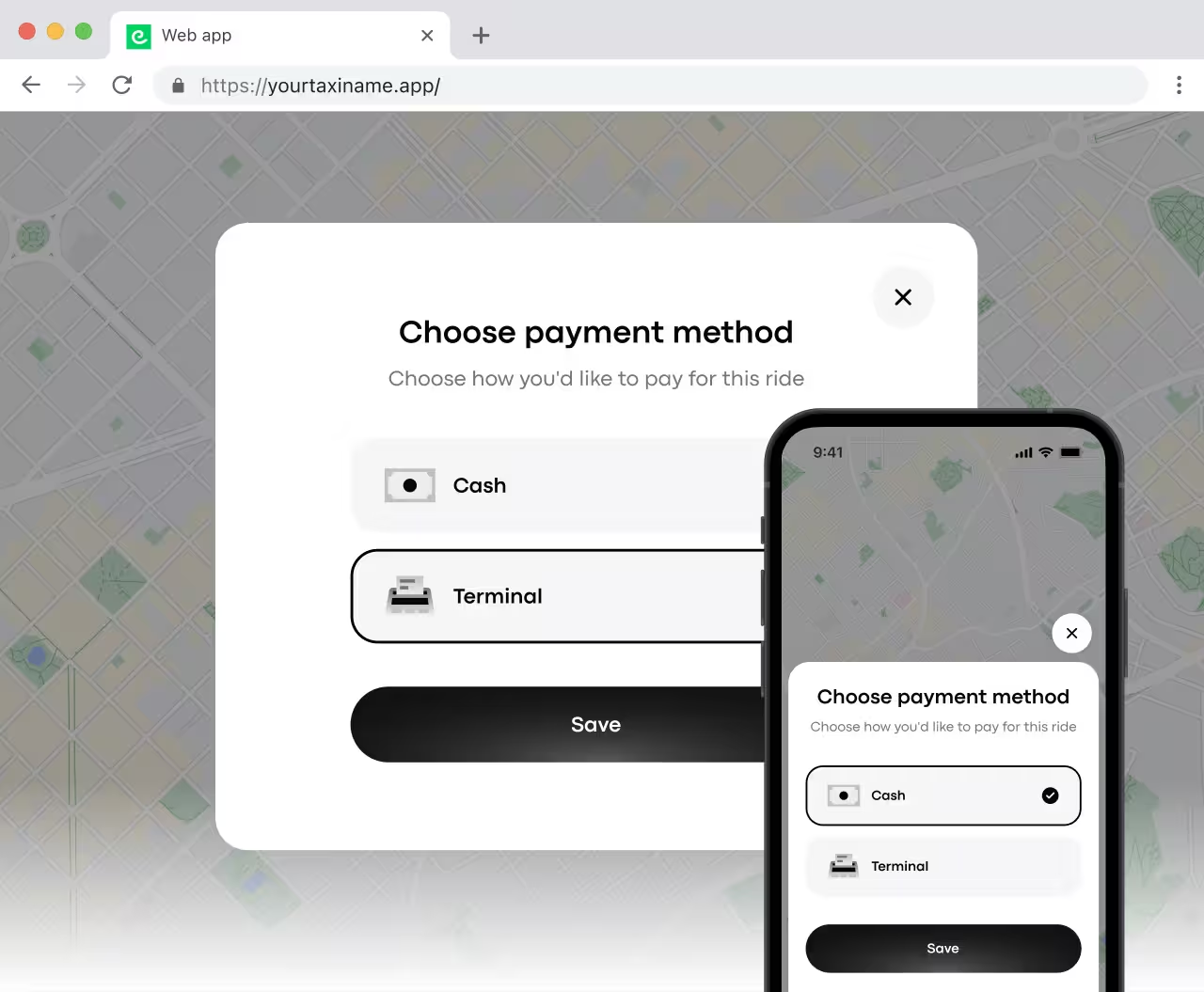
NEW! Cash and cashless payment methods
The Onde Web app now allows your customers to pay with both cash and via terminal. This makes the booking experience more flexible and attracts more customers.
-
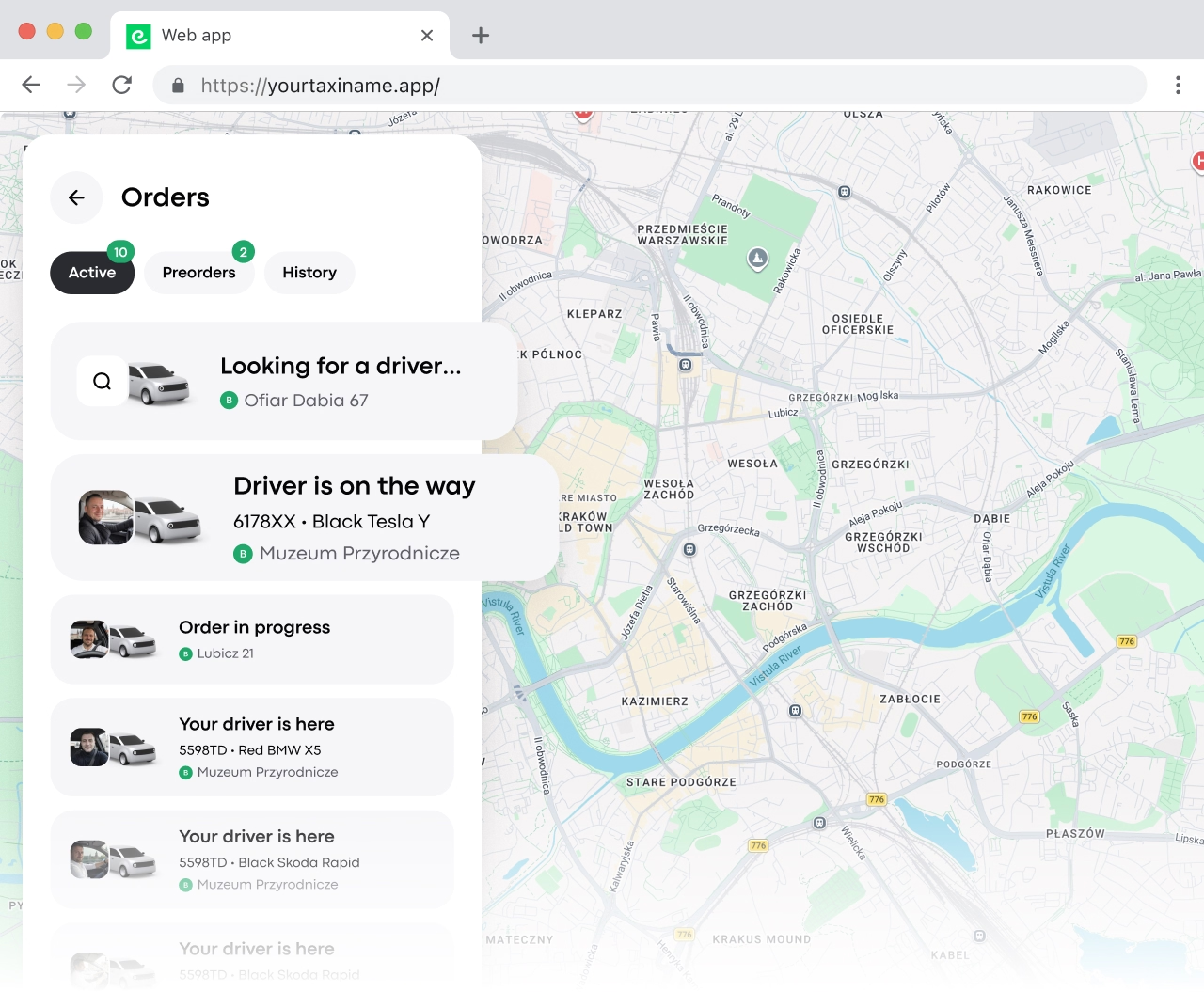
Multiple trips simultaneously
With Web app, customers can create multiple orders at the same time — a feature not available in other booking channels. It’s ideal for arranging rides for groups, employees, or guests.
-
Seamless partner integration
Web app makes it easy for your taxi business to partner with restaurants, business centres, hotels, shopping malls, etc., and offer rides to their clients. Web app is perfect for tourists: it doesn’t require much memory space and works even with a weak internet connection.
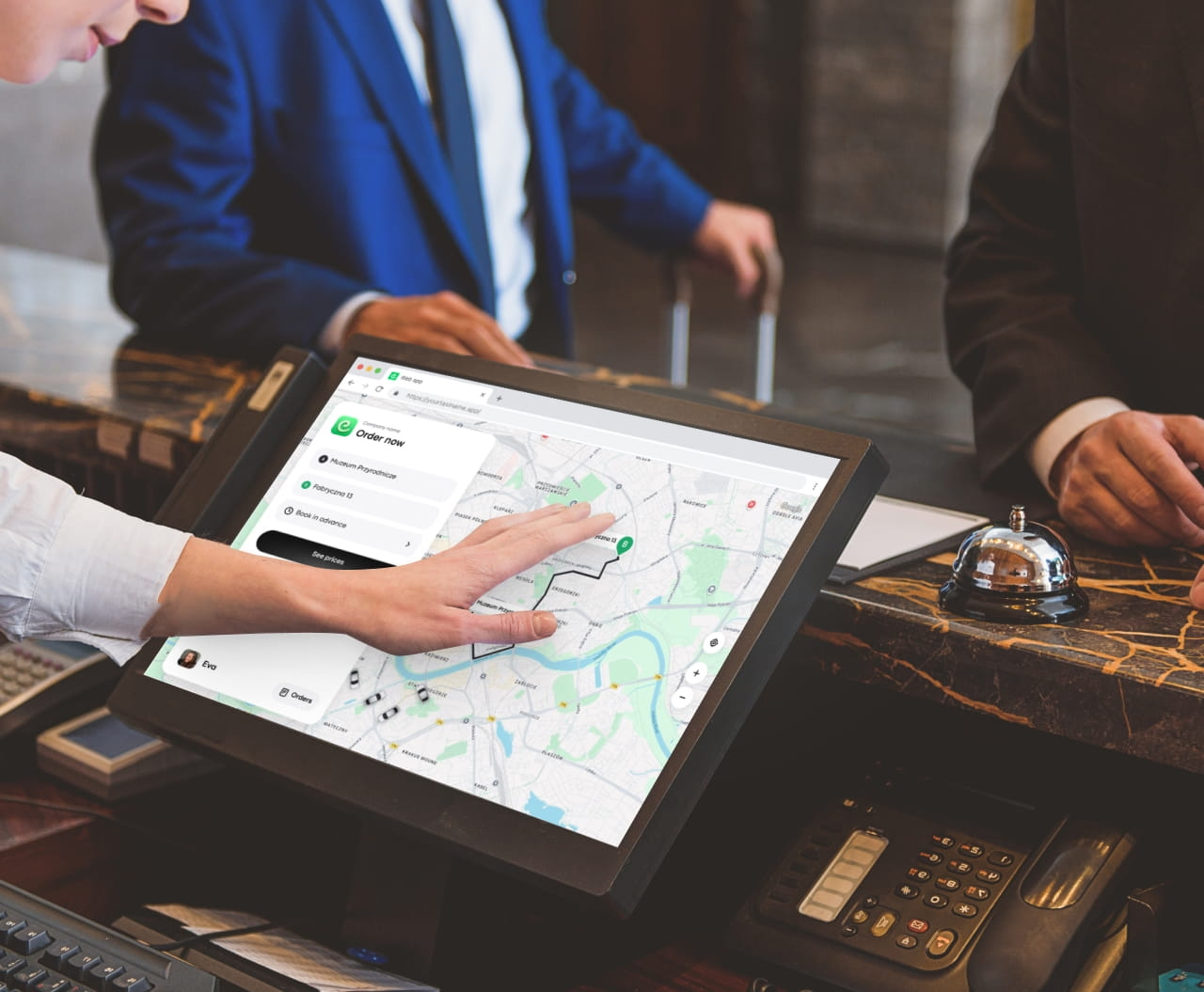
Web app: an additional source for taxi orders
Discover if Onde is right for your business. Take a tour of Onde’s features and capabilities.


Who will benefit from Onde’s Web app?


-
Provide alternative ways to book a taxi, attract more customers, and cover all markets.
-
Help other businesses such as hotels, shopping malls, and business centers in your area to take care of their customers and their transportation needs.
Learn more about Web app
-

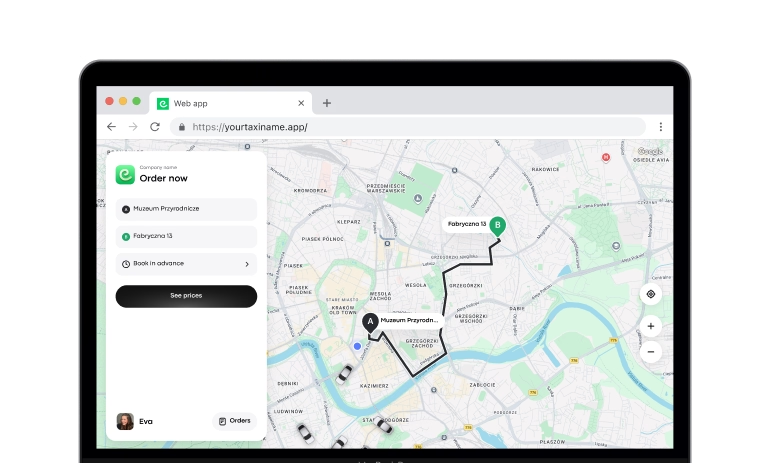
Web app solution overview
-
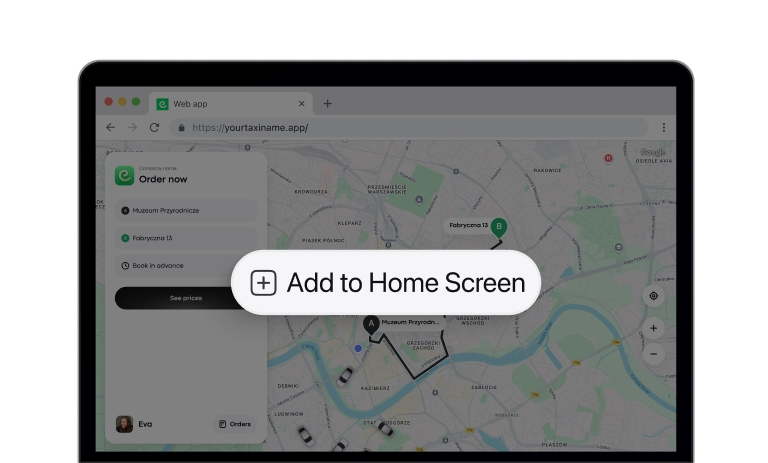
How to place Web app on your home screen
-
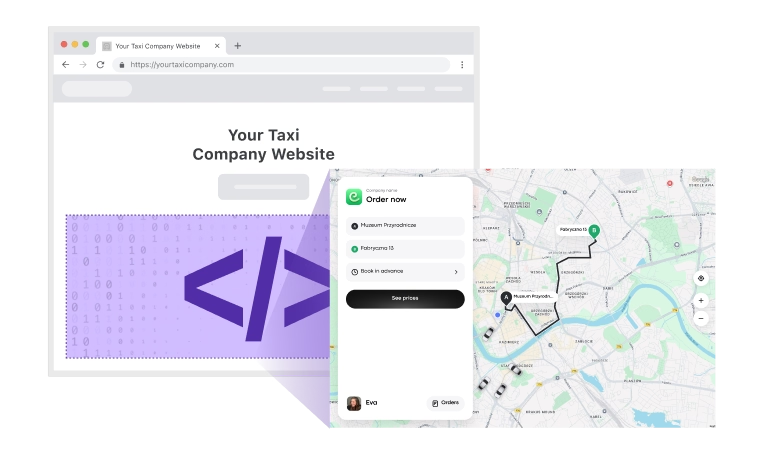
How to place Web app on your site
Answers to all questions
Still have questions?
-
To place a Web app on your site, you can copy the solution from the provided link and insert your brand's web app URL into the iframe link. Ensure to enable the current user location for a better user experience.
The web app will display in the user's browser language, but additional translations can be requested. For specific languages, append ?lang=(language code) to the URL. For on-demand services, add /service/ at the end of the URL.
Check out the whole article here: https://support.onde.app/en/articles/6169311-how-to-place-web-app-on-your-site
-
The Operator app is for managing orders and tracking drivers in real-time, while the Web app allows users to place orders through a browser.
-
To place orders with the Web app:
- Access the web app from My hub or your brand panel settings.
- Authenticate using your mobile phone number.
- Enter the verification code sent via SMS.
- Specify pick-up and drop-off locations, add any necessary notes, and select the service.
- Review order details and tap "BOOK" to dispatch.
- Track order assignment and driver details.
- Cancel orders if needed or create another order following the same steps.
- For pre-orders, specify pick-up details, choose a future date and time, then tap "BOOK".
- Preorders can be made up to 7 months in advance.
-
The web app limitations include:
- Dependency on browser language for interface display.
- Limited access to device features compared to native apps.
- Potential language translation issues if not available in browser language.
- Possible differences in the interface are based on browser compatibility.
-
A PWA (Progressive Web App) is a web app that works like a mobile app but doesn’t require downloading. Customers can open it in their browser, book a ride, and save it to their home screen for quick access without downloading it from an app store.
-
A website widget lets you add the Web app directly to your website. Customers can book a ride without leaving your website or opening another tab.
-
A Web app gives customers an easy way to book a ride, especially those who:
- Don’t want to download another app
- Have limited storage or memory on their phone
- Want to book a ride quickly from a browser
- Prefer to save the booking page to their home screen for easy access
-
2 million
processed orders daily
-
99,98 %
system uptime
-
400 +
companies powered by Onde
-
20 +
market leader partners


